
EFRAG's VSME Excel Template Is Now VS Digital Template 2.0.0: How to Fill It In, Step by Step
Short answer. On 4 November 2026 EFRAG replaced its free VSME Excel template with the VS Digital Template 2.0.0. The new file follows the EU's Voluntary Standard, and EFRAG now lists every older VSME template as outdated. You fill in four sheets in Excel 365, check that the validation sheet reads COMPLETE, and upload the file to EFRAG's free converter. It returns a report people can read and files that software can read.
Key facts
Name | VS Digital Template, version 2.0.0 (until now: VSME Digital Template) |
Published | 4 November 2026, by EFRAG |
Based on | The Voluntary Standard, Annex I of Commission Delegated Regulation (EU) 2026/1560, published on 21 September 2026 |
Format and price | One Excel workbook (.xlsx), free, under the open-source MIT licence |
Software | Built and tested in the desktop version of Microsoft Excel 365 |
Languages | 11: English, Albanian, French, Hungarian, Italian, Lithuanian, Polish, Portuguese, Serbian, Slovenian, Spanish |
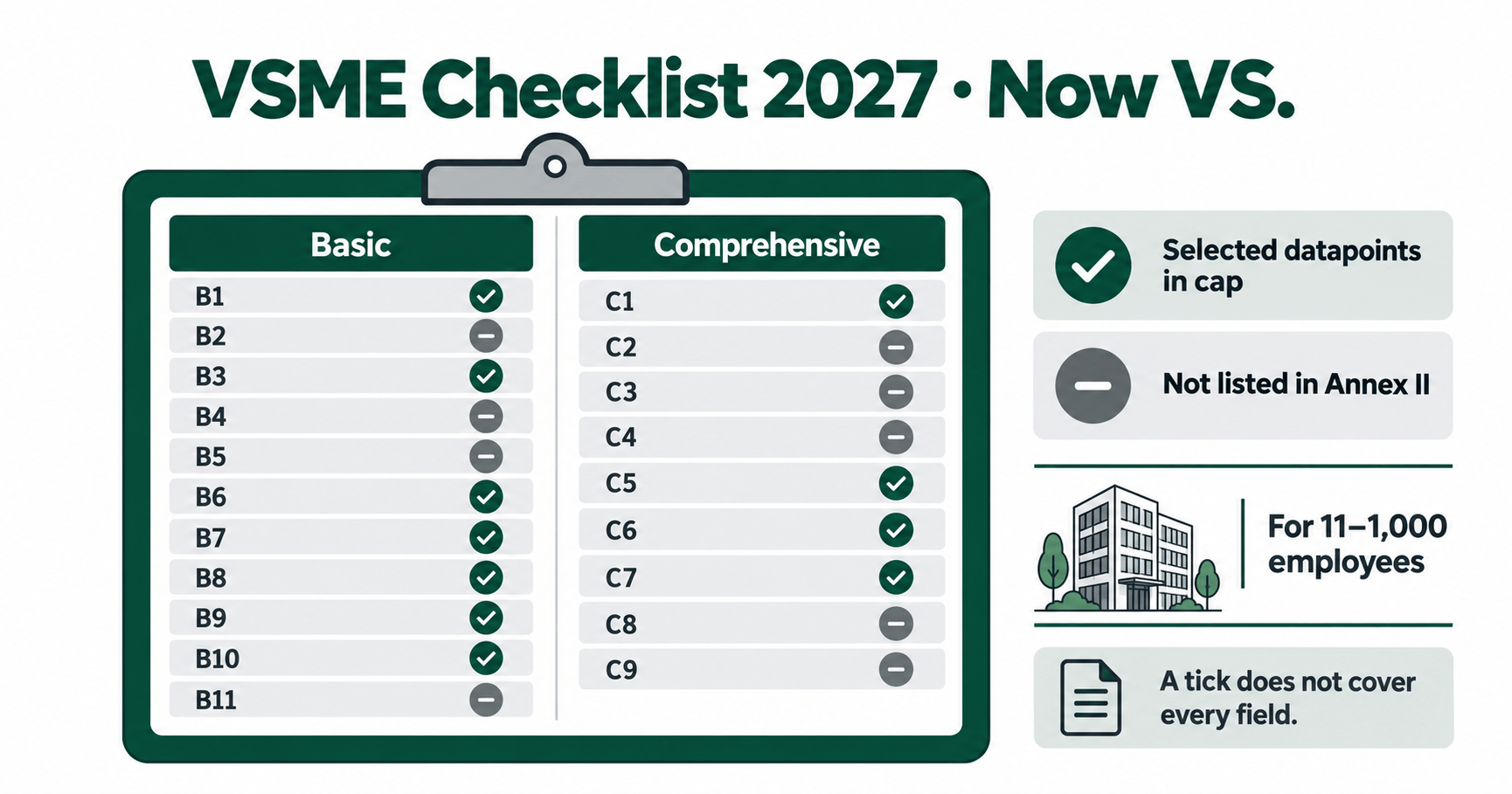
Covers | Basic Module (B1 to B11) and Comprehensive Module (C1 to C9) |
Made for | Companies that do not have to report under the CSRD. EFRAG describes them as having fewer than 1,000 employees |
Output | An Inline XBRL report you open in a browser, an XBRL report package and an xBRL-JSON file |
Maintained | At least until the end of June 2027, says EFRAG |
Download | EFRAG's page VS Digital Template and XBRL Taxonomy |
What changed from VSME 1.3.0 to VS 2.0.0
Two things changed: the content, because the Voluntary Standard differs from the earlier VSME, and the tools around the workbook.
I compared the two workbooks field by field. These are the differences you will notice when you move last year's numbers across.
Disclosure | VSME template 1.3.0 | VS template 2.0.0 |
|---|---|---|
B1 | List of omitted disclosures | Adds an explicit statement of compliance and an introduction field |
B3 | Emissions plus emission intensity per turnover | Absolute emissions only. The intensity fields are gone |
B5 | Land-use figures and the area of sites near sensitive nature | Land-use fields removed. You give the name of the biodiversity-sensitive area |
B6 | Water withdrawn at sites in areas of high water stress | Water consumed at sites in water-stress areas |
B7 | Waste recycled or reused, and waste sent to disposal | Total waste generated, plus the share diverted to recycling and to preparation for reuse |
B8 and C5 | Staff turnover rate sits in B8 | Turnover moves to C5 |
B9 | Fatalities from work-related injuries and ill health | Fatalities from recordable accidents and recordable ill health, as one sum |
B10 | Training hours split by gender | One average per employee |
C3 | Targets and actions | Adds the status of a climate transition plan |
C8 | Exclusion from EU reference benchmarks; "controversial weapons" | Benchmark field removed; the wording is now "prohibited weapons" |
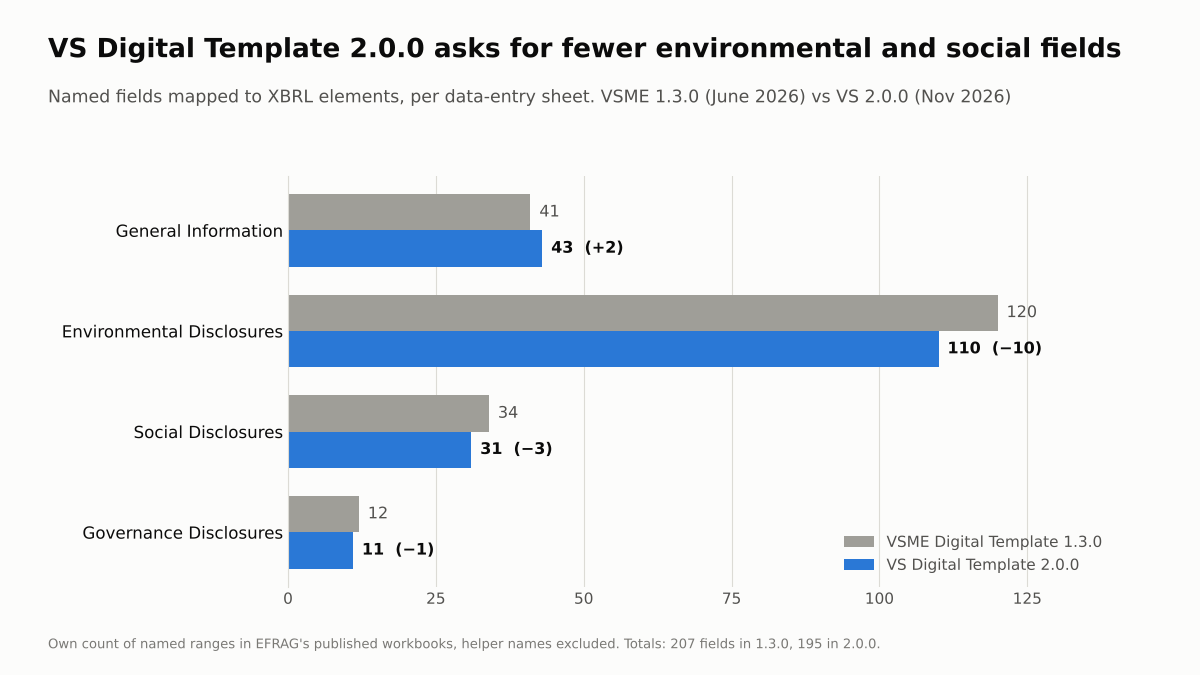
By my count the four data-entry sheets hold 195 named fields in version 2.0.0, against 207 in version 1.3.0. Most of the drop is in the environmental sheet.
The tools changed as well. According to EFRAG's release note, the converter can now show last year's figures next to this year's, accept Word documents for the text answers, and merge PDF files such as financial statements into the report package. A migration tool carries data from the older templates into the new structure.
What is inside the workbook
The file has 14 visible sheets. You type in four of them.
Sheet | What you do there |
|---|---|
Language Selection | Pick the display language |
Introduction | Read the instructions and the colour legend |
Table of Contents & Validation | See the status of every disclosure. Tick boxes for omitted information and for Word narratives |
General Information | Enter the facts the report needs, then B1, B2, C1 and C2 |
Environmental Disclosures | Enter B3 to B7, C3 and C4 |
Social Disclosures | Enter B8 to B10 and C5 to C7 |
Governance Disclosures | Enter B11, C8 and C9 |
Footnotes | Add notes that travel with a figure |
Fuel Converter and Fuel Conversion Parameters | Turn litres, cubic metres or kilos of fuel into MWh |
Unit Of Measurement Converter | Convert units |
Enumeration Lists, Translations, Licence | Reference material. Leave these alone |
If you are not sure which disclosures apply to you, start with our VSME checklist. It lists every disclosure with its owner.
How to fill it in: six steps
Step 1: download the file and set the language
Get the workbook from EFRAG's page and open it in the desktop version of Excel 365. EFRAG built and tested it there and warns that other spreadsheet programs or older Excel versions can give limited or wrong results. Then choose your language on the first sheet.
Step 2: complete General Information first
The top block is called "Information on the report necessary for XBRL". It asks for the name of the reporting entity, an identifier, the currency and the start and end dates of the reporting period. Leave one of these empty and the converter stops with an error.
Next you choose a module. Option A is the Basic Module only. Option B is Basic plus Comprehensive. EFRAG's technical FAQ gives a useful tip here: if you want the Basic Module plus a few Comprehensive disclosures, choose Option A. It switches off the "missing value" errors for the Comprehensive part, and anything you do fill in there still appears in the report.
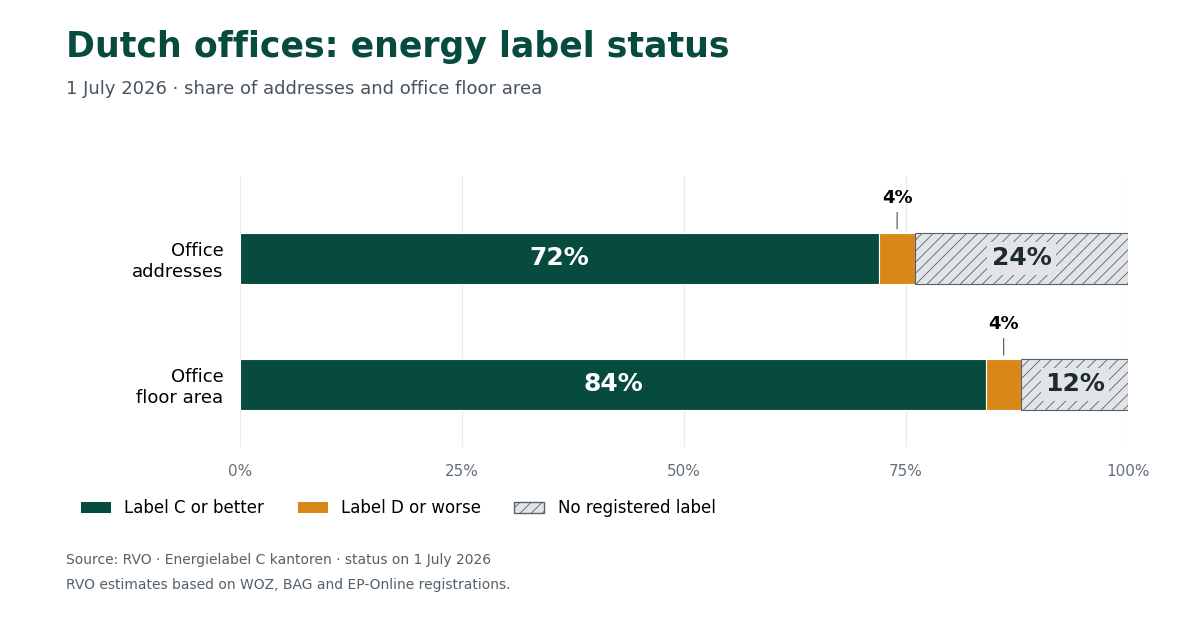
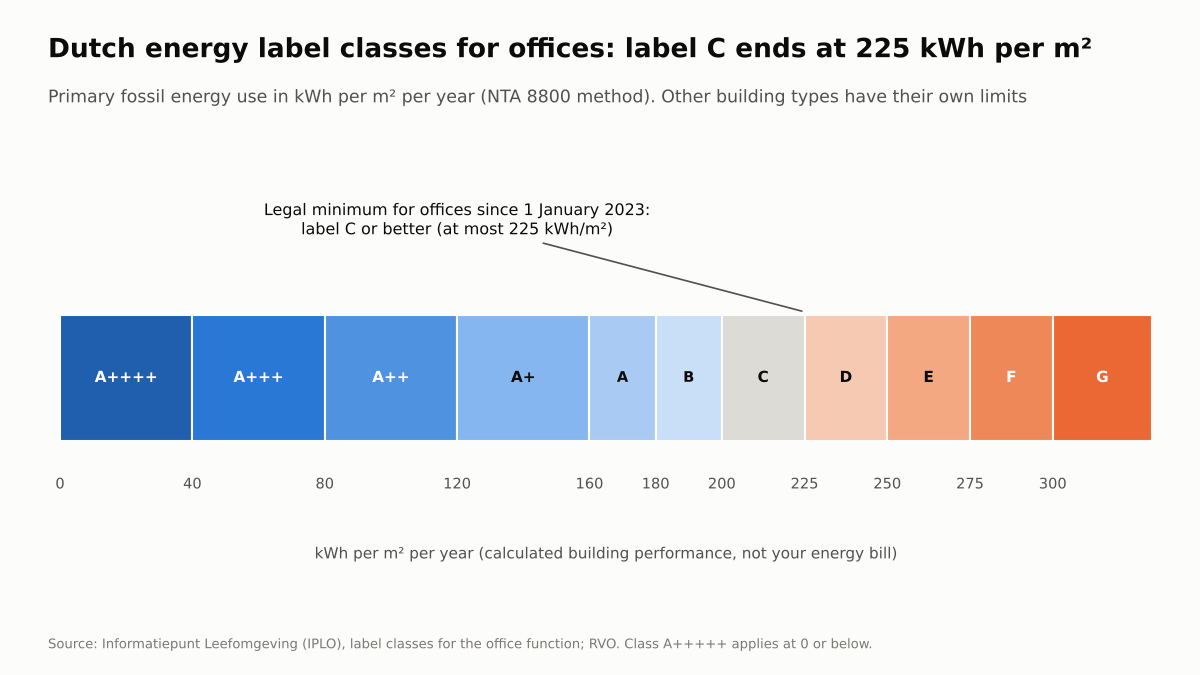
B1 also wants a list of your sites, with addresses. The template does not ask for building labels. Keep Dutch energy labels in your own evidence file all the same, because banks ask for them.
Step 3: fill the environmental, social and governance sheets
Type only in white cells with a black border. The colours tell you the rest. Grey cells calculate themselves. Yellow cells are helpers: they switch a disclosure on, or work out a total, and they do not appear in the report.
Some tables can grow, such as the lists of sites, waste types and countries of employment. Click the [+] at the left edge to open more rows.
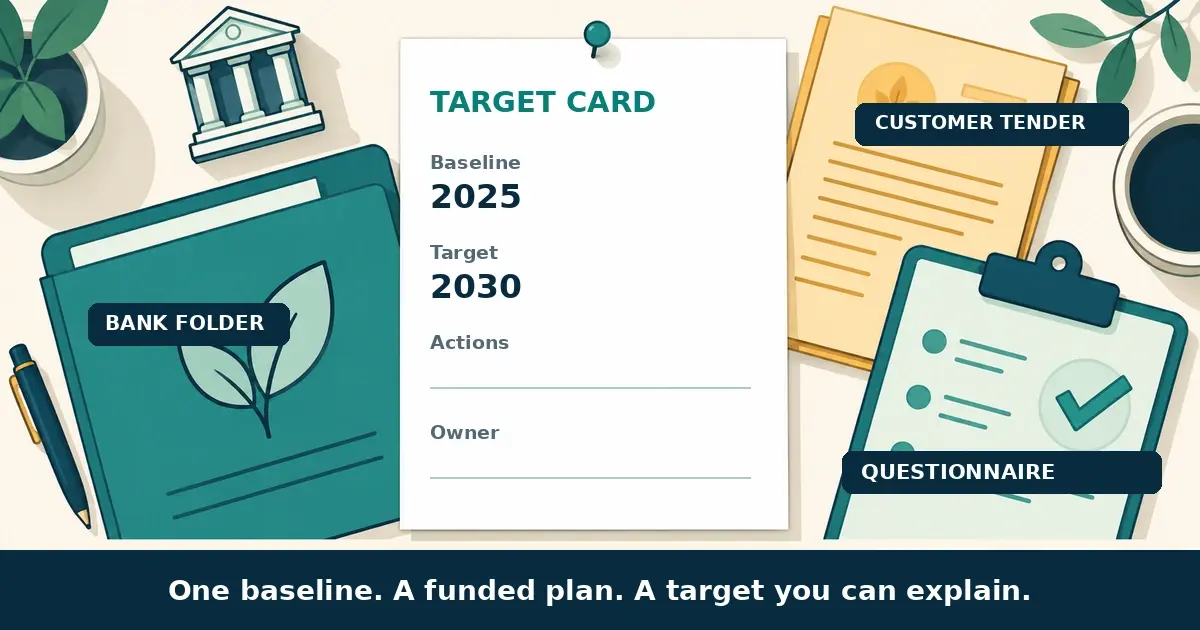
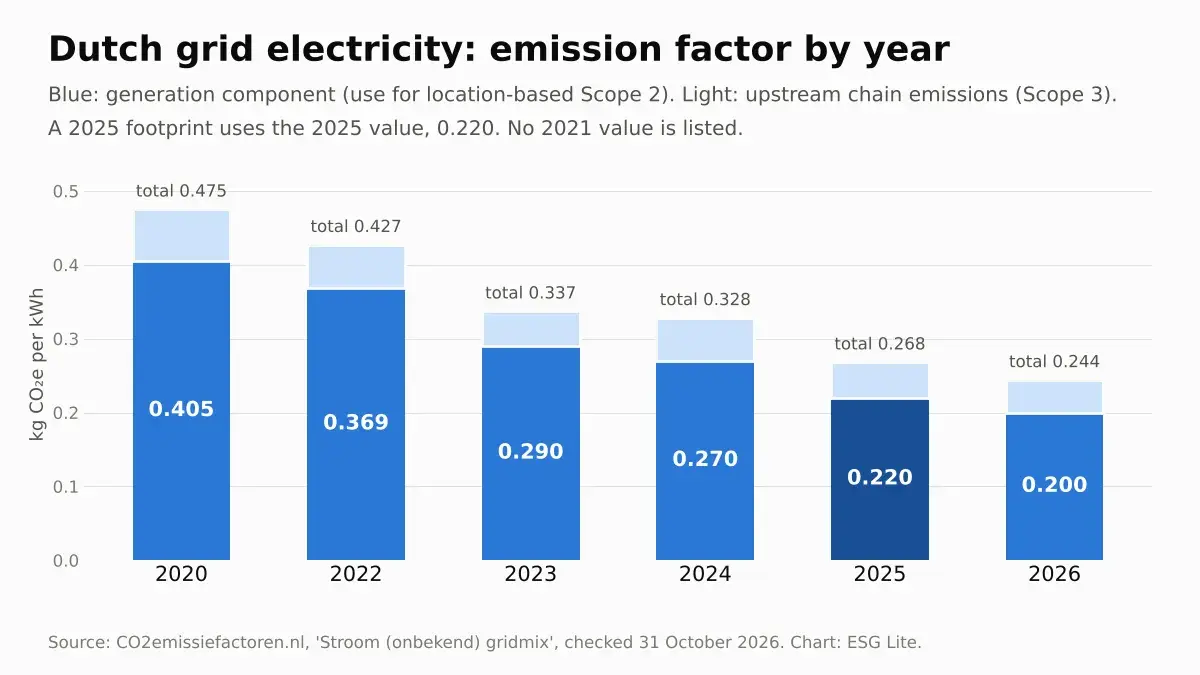
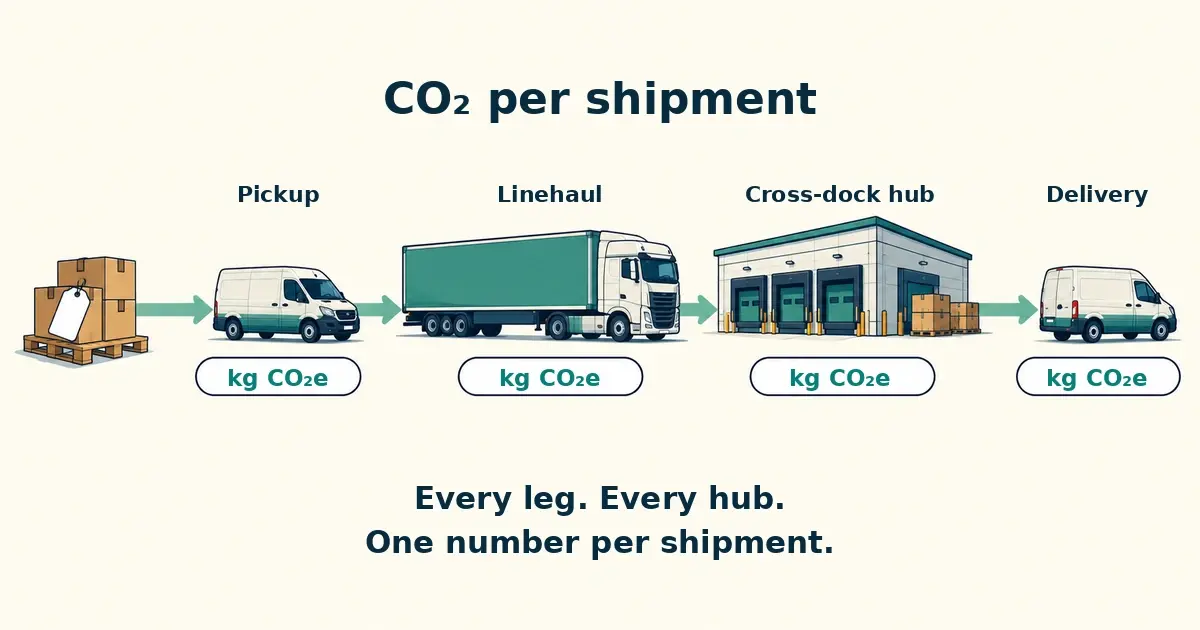
For B3 you need energy in MWh. The Fuel Converter sheet turns litres of diesel or cubic metres of gas into MWh. There is no emissions calculator in the workbook, so work out your CO₂ figures first. Our Scope 1 and 2 guide takes one afternoon, and where to find each datapoint in Dutch records covers the rest. For C3 you need a target, which is the subject of our climate target guide.
Step 4: validate
Open "Table of Contents & Validation". Every disclosure has a status: OK, MISSING VALUE, VALUE INCONSISTENCY, ERROR or INVALID URL. The overall status at the top reads INCOMPLETE until all of them are fine. Then it turns to COMPLETE.
You may leave out information that is classified or sensitive. Tick the box next to that disclosure in the same sheet. The template then lists it under B1 as omitted and stops asking for it.
Step 5: convert
Go to xbrl.efrag.org/convert and upload the workbook. Three extras are optional. You can add last year's report, and its figures will show next to this year's. You can upload Word files for the text answers. And you can attach up to ten PDF documents that should travel with the report. The converter checks the result against the XBRL rules and shows any errors.
Step 6: download and share
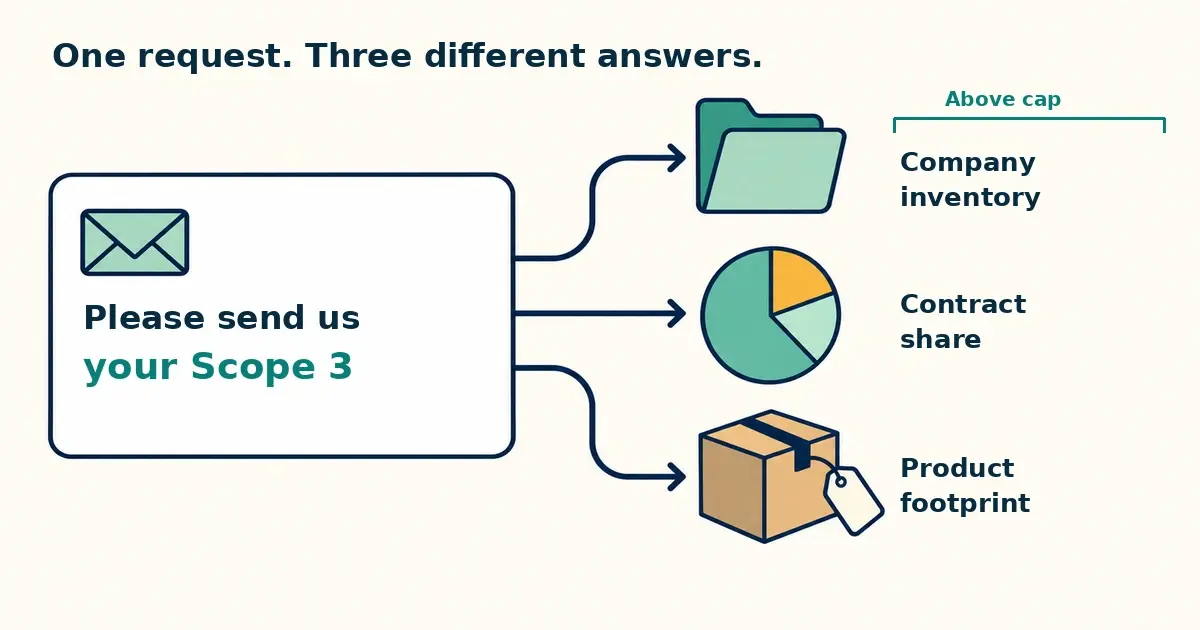
You get a report that opens in a browser and two machine-readable files. Send customers the readable report. For banks, EFRAG's FAQ advises the machine-readable files, because a bank can load those into its own systems. Before you send anything, check what the customer may ask for under the EU value chain cap, and use our questionnaire playbook for requests that arrive in the customer's own format.
Seven mistakes that stop the conversion
- Using an old file. EFRAG says versions 1.0.0 to 1.3.0 should no longer be used.
- Opening the workbook in Google Sheets, LibreOffice or an old Excel version.
- Renaming or deleting named cells, or unlocking the sheets and changing the layout. The converter finds each figure by its cell name.
- Leaving the XBRL block in General Information empty.
- Picking a heading from the NACE list. Choose a class, the entries with four digits.
- Picking a chapter heading from the waste list. Choose a six-digit waste code.
- Putting several companies in one file. One workbook is one report, for one company or for one consolidated group.
Dutch companies: no Dutch labels yet
Versions 1.2.0 and 1.3.0 of the old template included Dutch. Version 2.0.0 does not. I checked the language list inside the file: it holds the 11 languages named above, without Dutch, German or Danish. EFRAG says more languages will follow as translations pass review.
Until then, fill it in English. You lose little. The drop-down lists for NACE codes, waste types and pollutants were English-only in the earlier versions anyway.
When Excel is enough, and when it is not
The workbook is enough when you report for one company, once a year, with a handful of people supplying figures. It is free, it follows the standard exactly, and customers recognise the output.
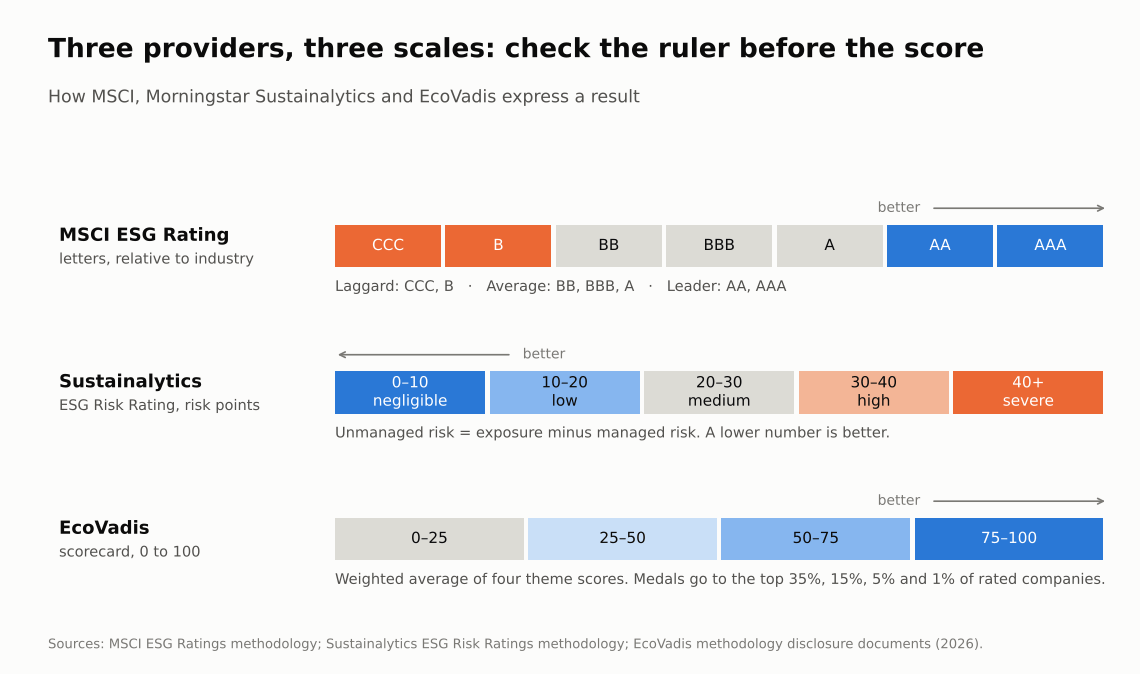
It has limits. One workbook holds one reporting period. It stores no evidence, so the invoices and meter readings behind each figure live somewhere else. It gives no score either: the Voluntary Standard asks for disclosures, and how ESG scores are calculated is a separate matter. And EFRAG has promised maintenance only until the end of June 2027.
The workbook also assumes you already know which figures you have. Most companies find out halfway through the environmental sheet that they do not.
See what you can already fill in. ESG Lite's free check takes six facts about your building and returns an environmental readiness score plus a list of the VSME data points you are still missing. It needs no account. Start the free check
To be clear about what the check is: ESG Lite does not fill in EFRAG's workbook and does not produce XBRL. Its list of indicators is based on the earlier template and is under review against the Voluntary Standard. Use it as a first look before you open the workbook, not as the final list.
Sources
- EFRAG, VS Digital Template and XBRL Taxonomy (download page, read 21 November 2026)
- EFRAG, EFRAG releases the Voluntary Standard Digital Template and XBRL Converter, 4 November 2026
- EFRAG, Digital Template to XBRL Converter
- EFRAG on GitHub, Digital-Template-to-XBRL-Converter: template files, converter source code and technical FAQ
- Commission Delegated Regulation (EU) 2026/1560, the Voluntary Standard
- Own comparison of the workbooks VSME-Digital-Template-1.3.0.xlsx and VS-Digital-Template-2.0.0.xlsx from EFRAG's repository, 21 November 2026
Make Your Business Online By The Best No—Code & No—Plugin Solution In The Market.
30 Day Money-Back Guarantee
Say goodbye to your low online sales rate!
Is the EFRAG VSME Excel template still valid?
No. EFRAG lists VSME Digital Template versions 1.0.0 to 1.3.0 as outdated and says they should not be used. The current file is VS Digital Template 2.0.0, published on 4 November 2026.
Is the VS Digital Template free?
Yes. The workbook and the online converter are free, and the workbook carries the open-source MIT licence.
Does it work in Google Sheets or LibreOffice?
Not reliably. EFRAG built and tested the template in the desktop version of Microsoft Excel 365 and warns that other programs can give limited or wrong results.
Can I report two years in one workbook?
No. One workbook covers one reporting period. To show last year's figures next to this year's, upload last year's report as an extra file when you convert.
Does the template calculate CO₂ emissions?
No. It has a fuel converter that turns fuel quantities into MWh, but no greenhouse gas calculator. You calculate emissions yourself and enter the result under B3.
Can I leave out confidential information?
Yes. Tick the "classified or sensitive information" box for that disclosure in the validation sheet. The report then lists the disclosure as omitted.
Do I have to send XBRL files?
Only if the recipient wants them. Most customers read the browser version. EFRAG advises sending banks the machine-readable files, because banks can import them.